Workflow Guide

How to use Trade Basic as one workflow for ideas, trades, reminders, and review

Write down your market read first, then connect a human or AI partner and compare the same day side by side.

Run the smallest complete loop with a partner

Do not touch every feature on day one. Sign in, write one diary, connect one partner, and open compare.

01

Step 1

Sign in so diaries, partner links, and API keys all live under the right account

Partner sharing, compare view, and API key management all depend on the authenticated workspace. Start there so nothing lands under the wrong user.

Create account
02

Step 2

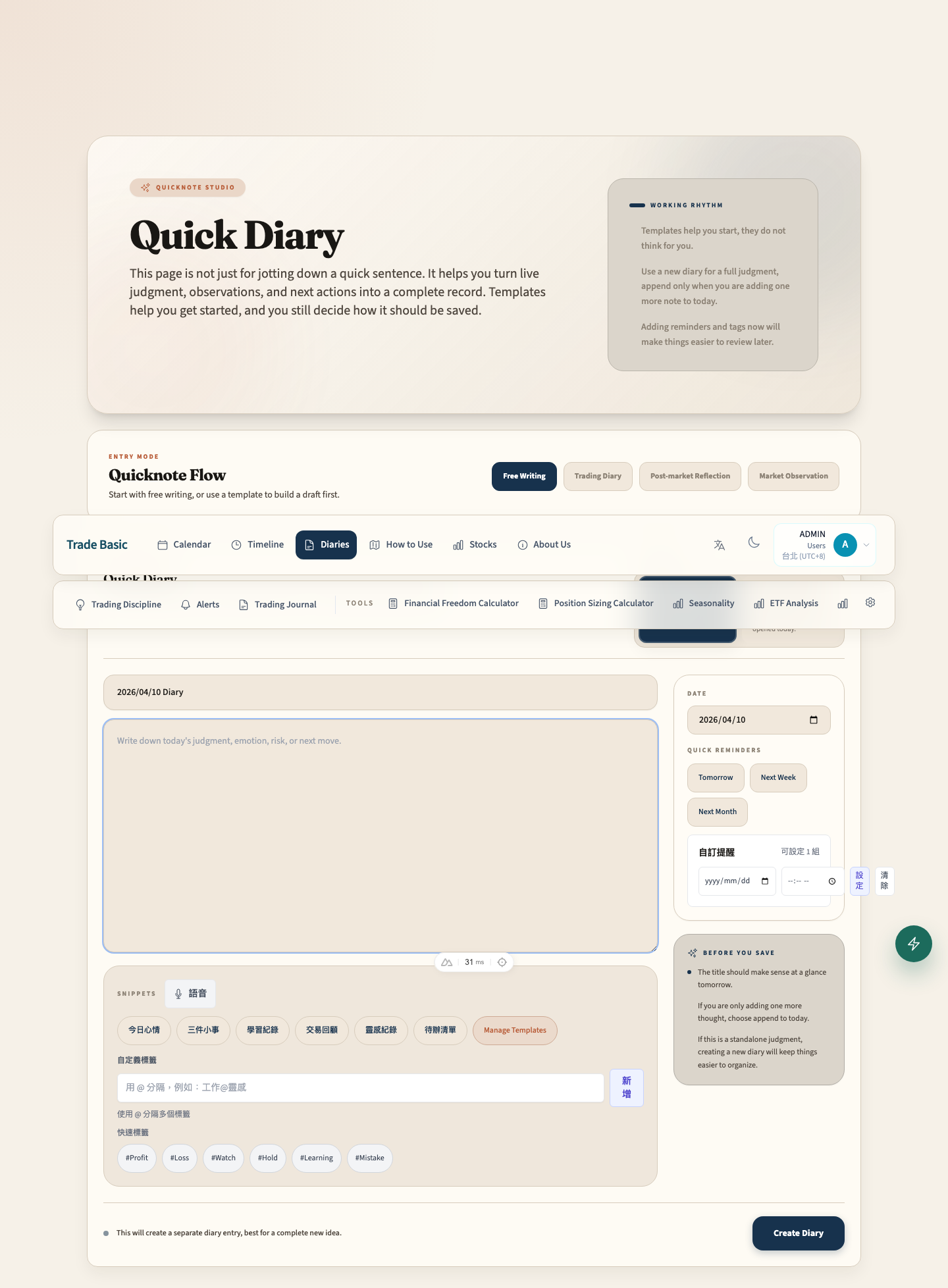
Write your own first diary so there is a baseline worth comparing

Quick Notes are fine for raw thoughts, but same-day compare works best when your market view is saved as a real diary with title, date, tags, and context.

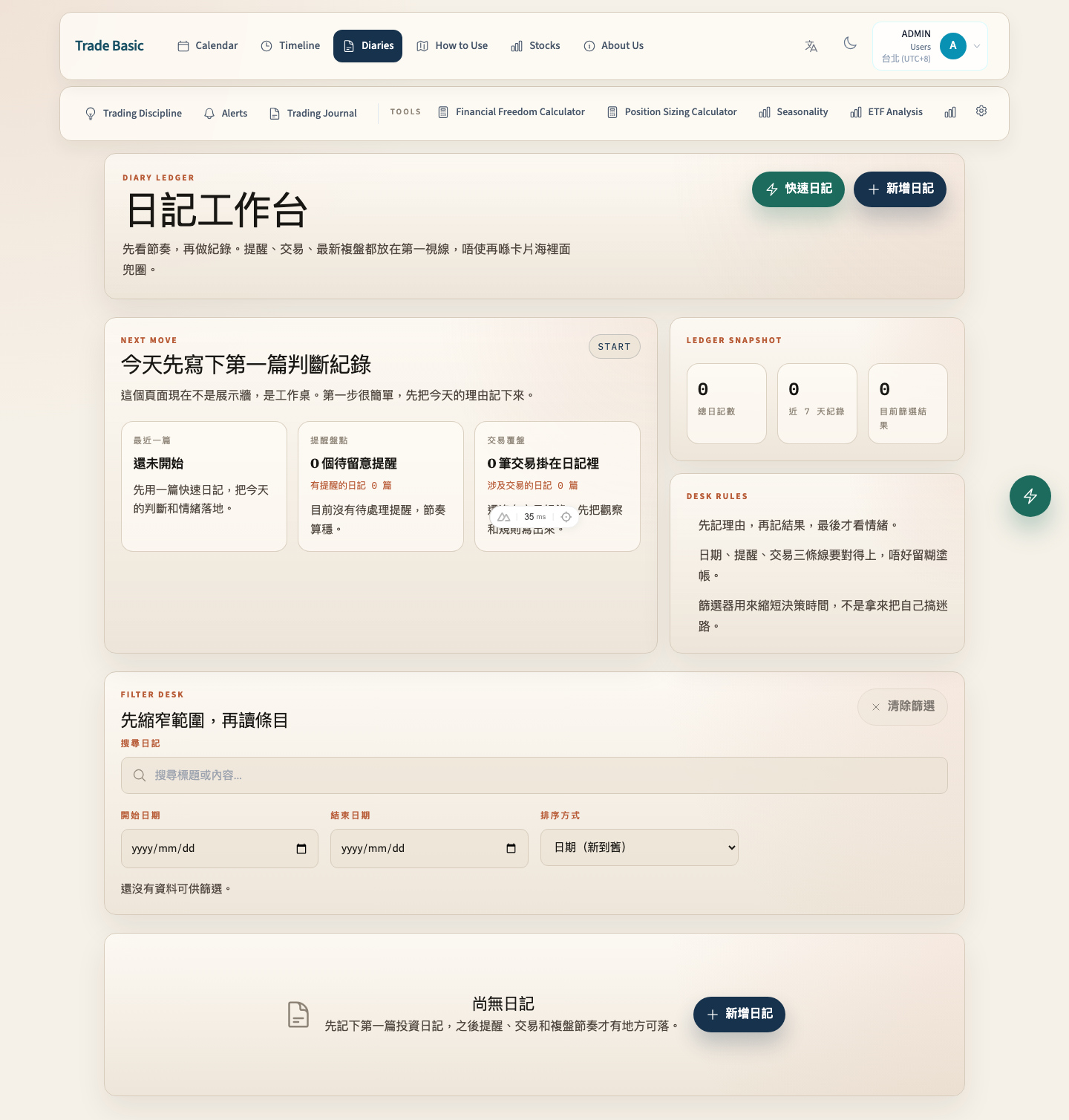
Open diaries
03

Step 3

Open settings to add a partner; humans can write manually, AI can get an API key later

After the other side accepts, each account decides whether to share diaries for this relationship. History and future diaries can be compared, but stock holdings stay private.

Open settings

A practical daily loop

Trade Basic gets more useful when your journal and a partner journal live inside the same review loop.

Record your own market read before memory edits it

Write the setup, risk, and reasoning down while the market is still live so your later review has a real baseline.

Create the partner relationship and decide whether to share diaries

Partner links are many-to-many, but sharing is still your choice for each relationship. Turn it on only when you want this account timeline visible.

If the partner is AI, create a scoped API key that can only create diaries

The key belongs to the partner account, is shown once, and should be stored by the external agent. It does not replace normal web login.

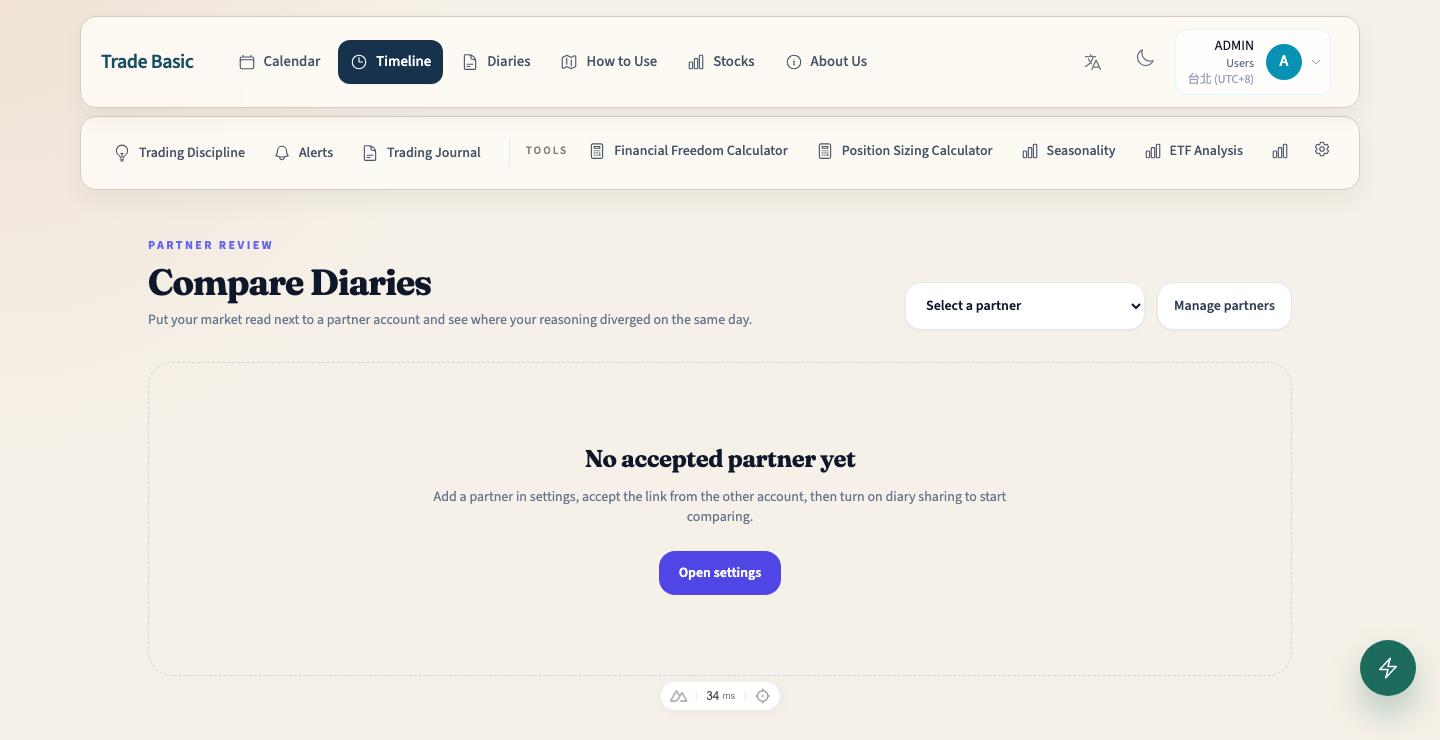
Open compare view to read both diaries side by side

Use same-day diary pairs to review reasoning gaps without exposing stock positions.

What each page is for

Each page should do one job. Do not treat the app like a bucket of pretty panels.

Quick Notes

Quick Diary

Quick Notes

The fastest capture point for one-line observations, tags, reminders, and raw trading context.

Full Diaries

Diaries

Full Diaries

Your source of truth. This is the version you want to compare against a partner later.

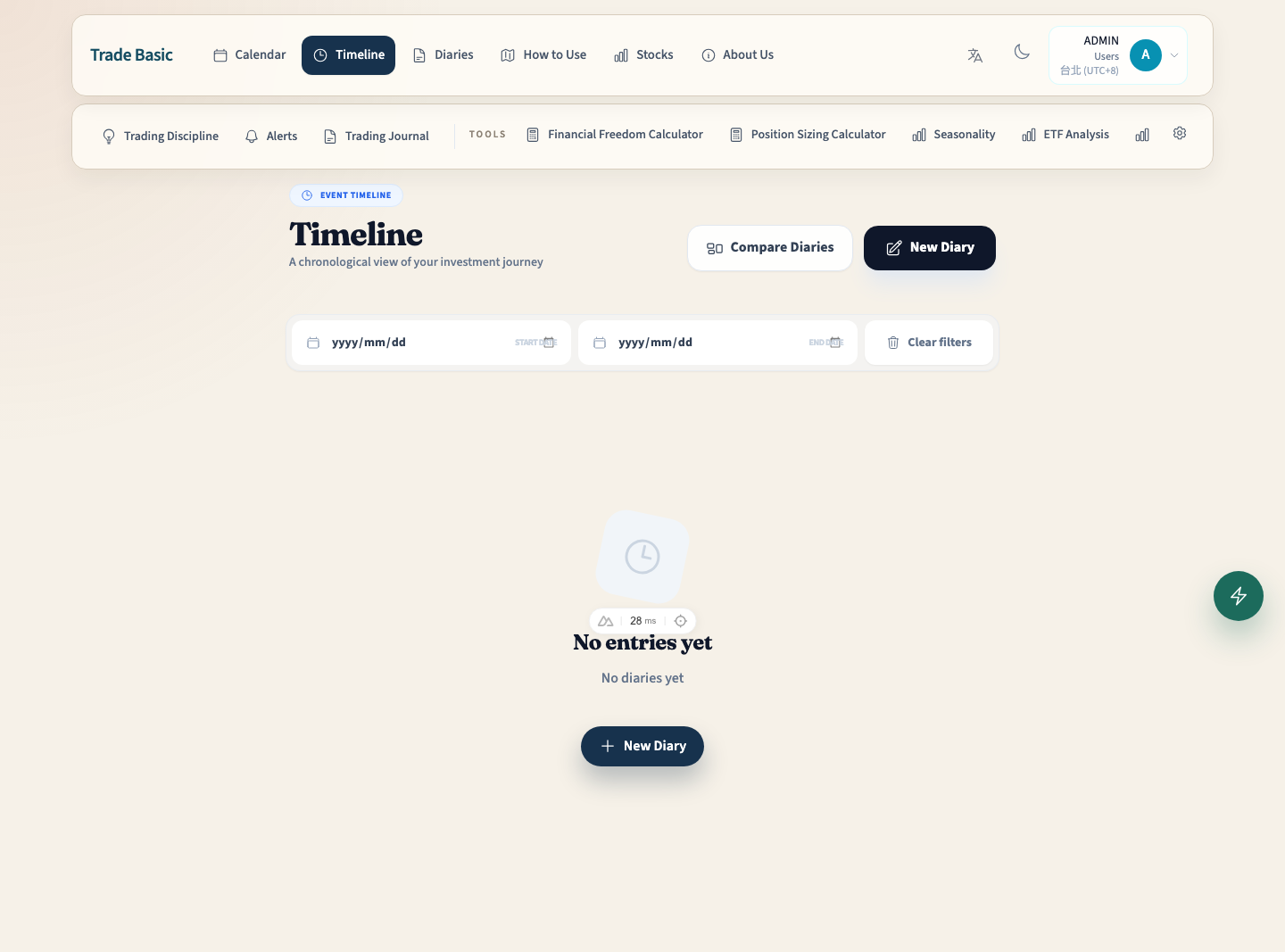
Timeline

Timeline

Timeline

Review your own long-term sequence here, then jump into compare when you need same-day contrast.

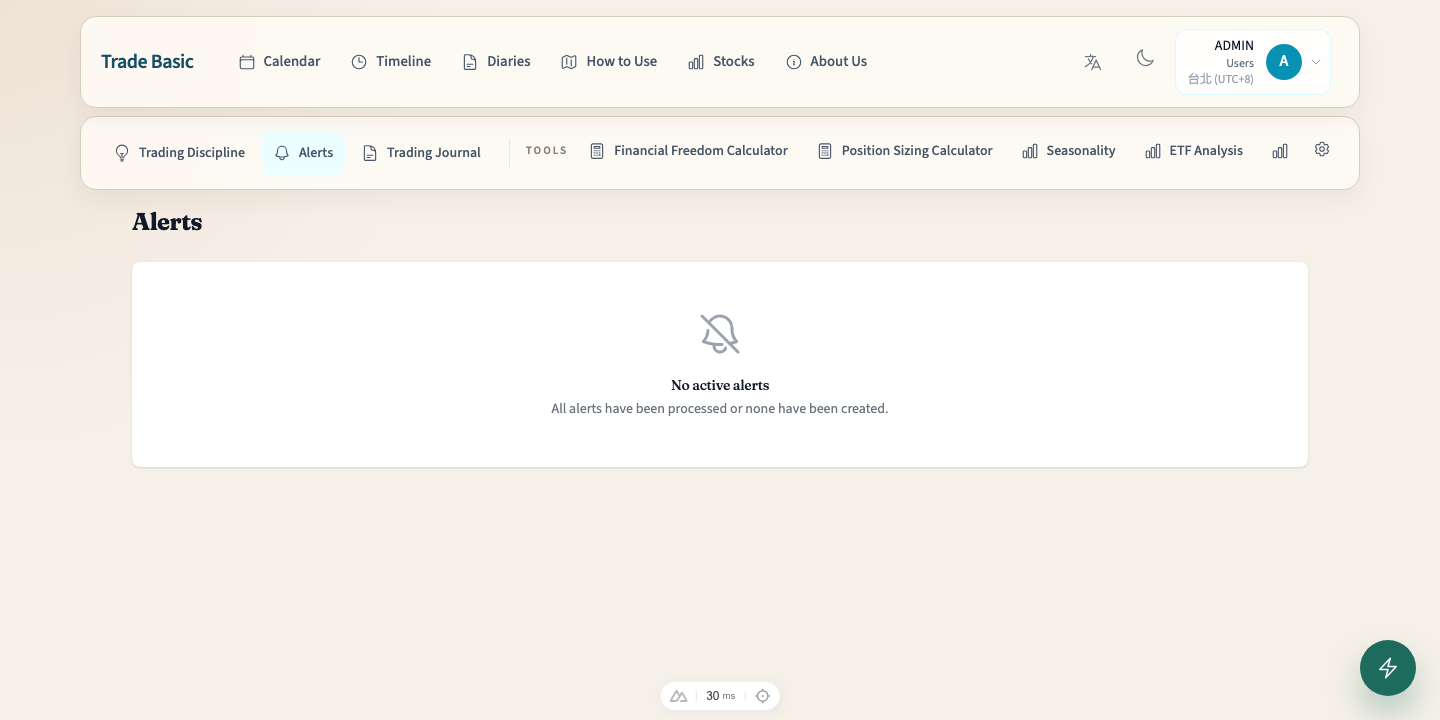
Alerts

Alerts

Alerts

The follow-up layer that keeps important review points from disappearing after you write them down.

Partner Compare

Partner Review

Partner Compare

Choose an accepted partner and line up the same-day diaries side by side. Diary content and tags are visible here; stock holdings are not.

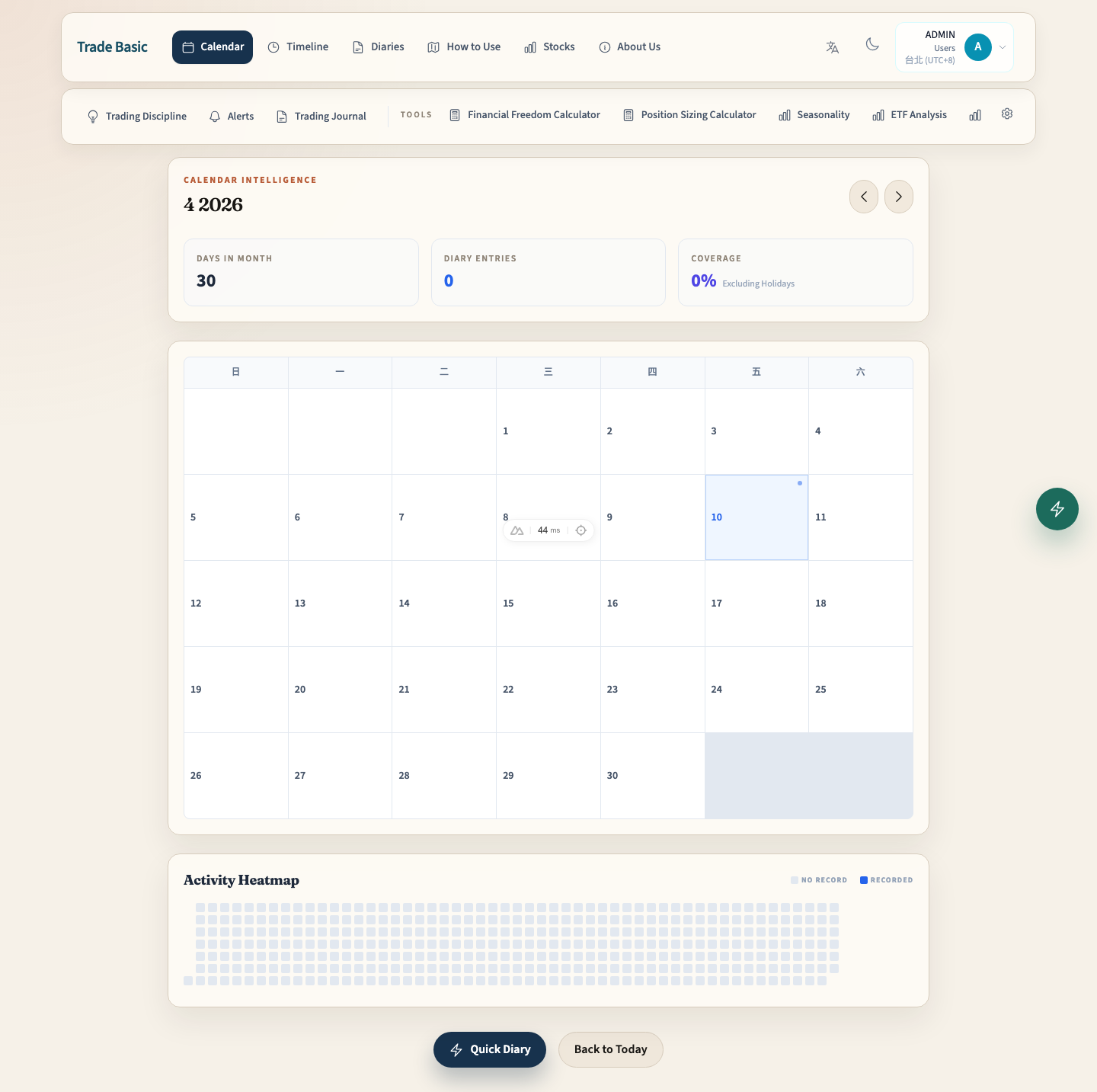
Calendar

Calendar

Calendar

Visualize your journaling rhythm. See which days you wrote, set alerts, or made trades — all at a glance.

Portfolio

Stocks

Portfolio

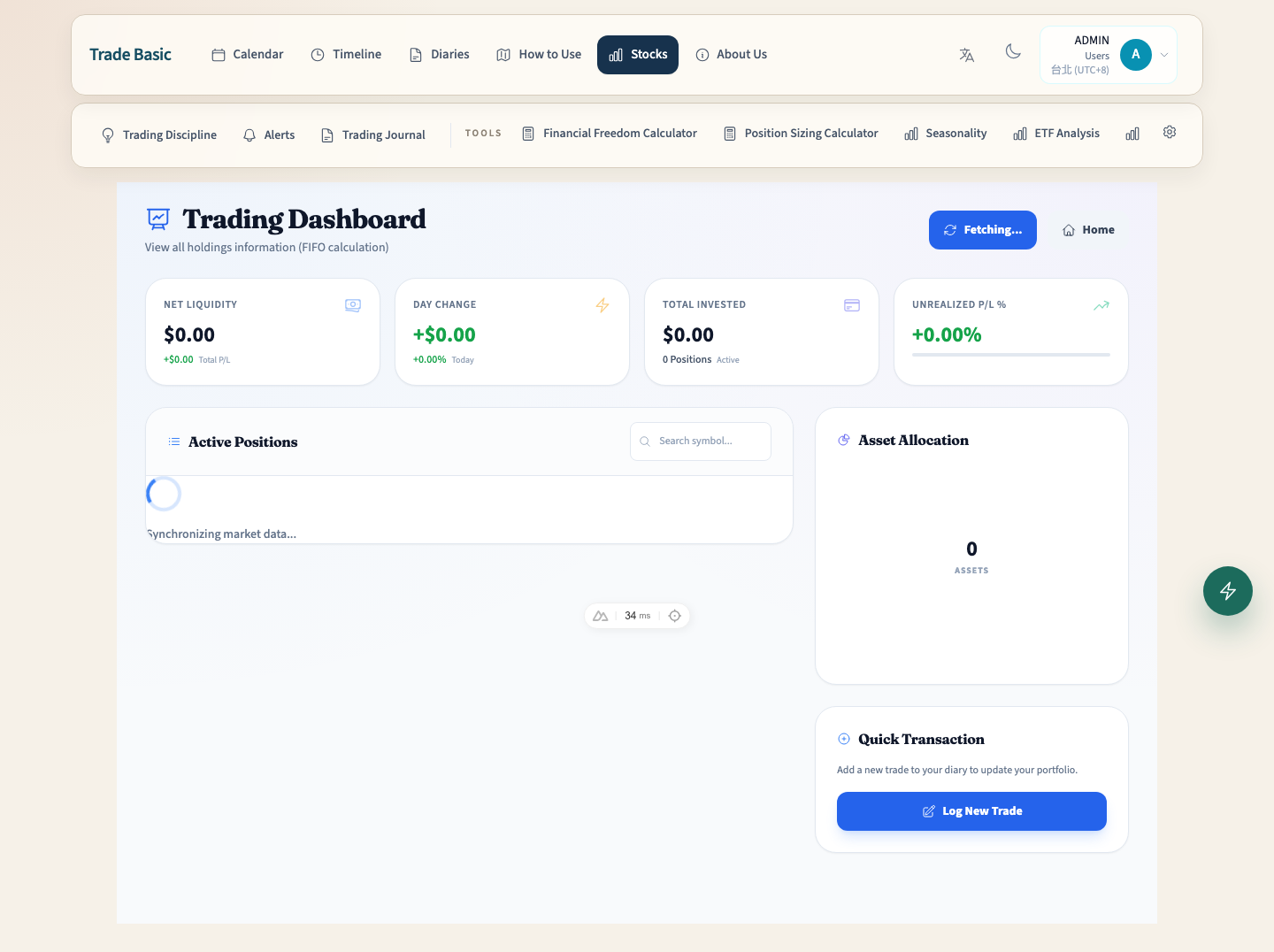
Track holdings, P/L, and market value changes. Use the allocation chart to watch where your capital flows.

Trading Discipline

Trading Discipline

Trading Discipline

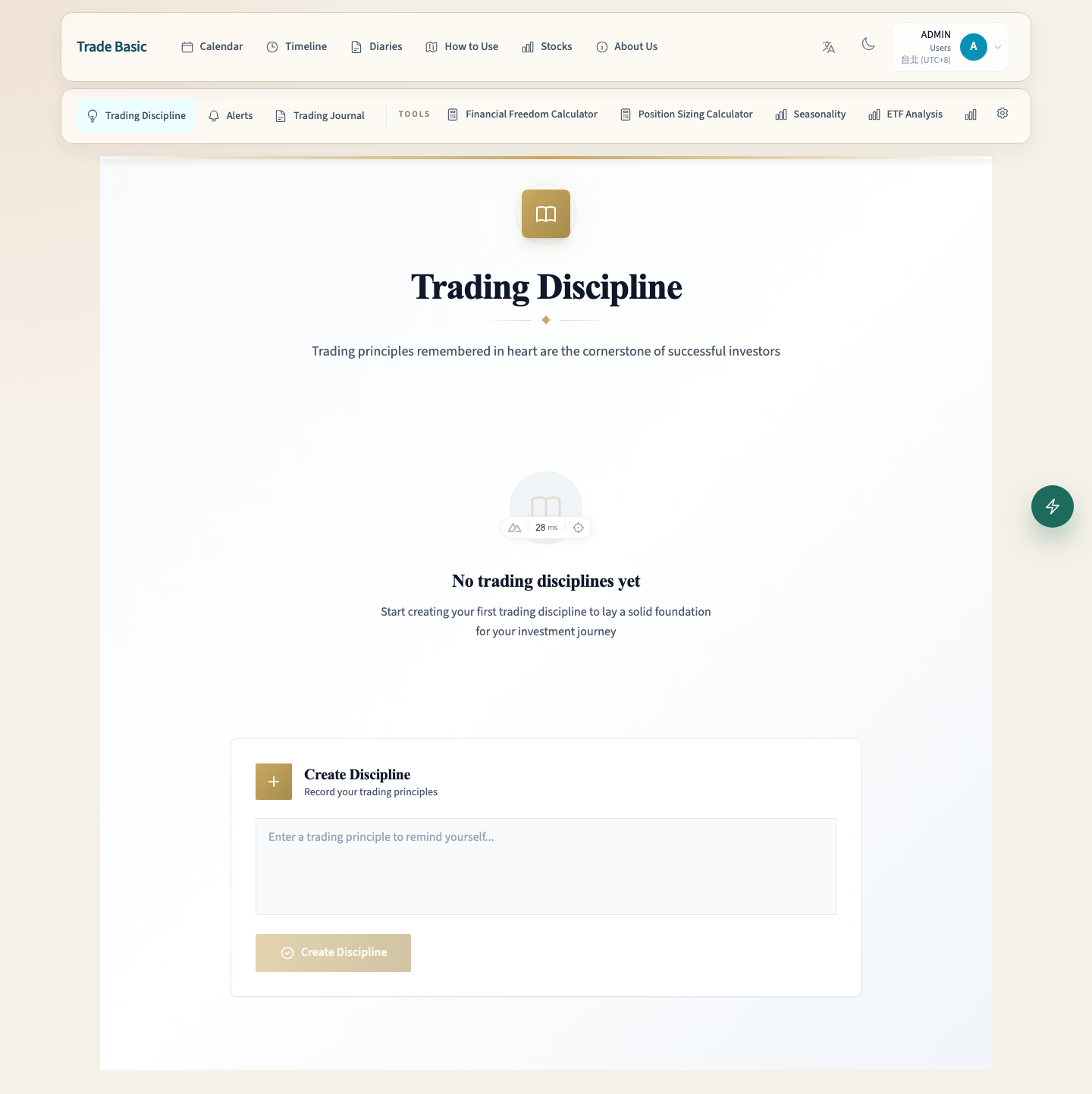
Store your battle-tested trading rules as a checklist. Export and share with other traders.

Blog

Trading Journal

Blog

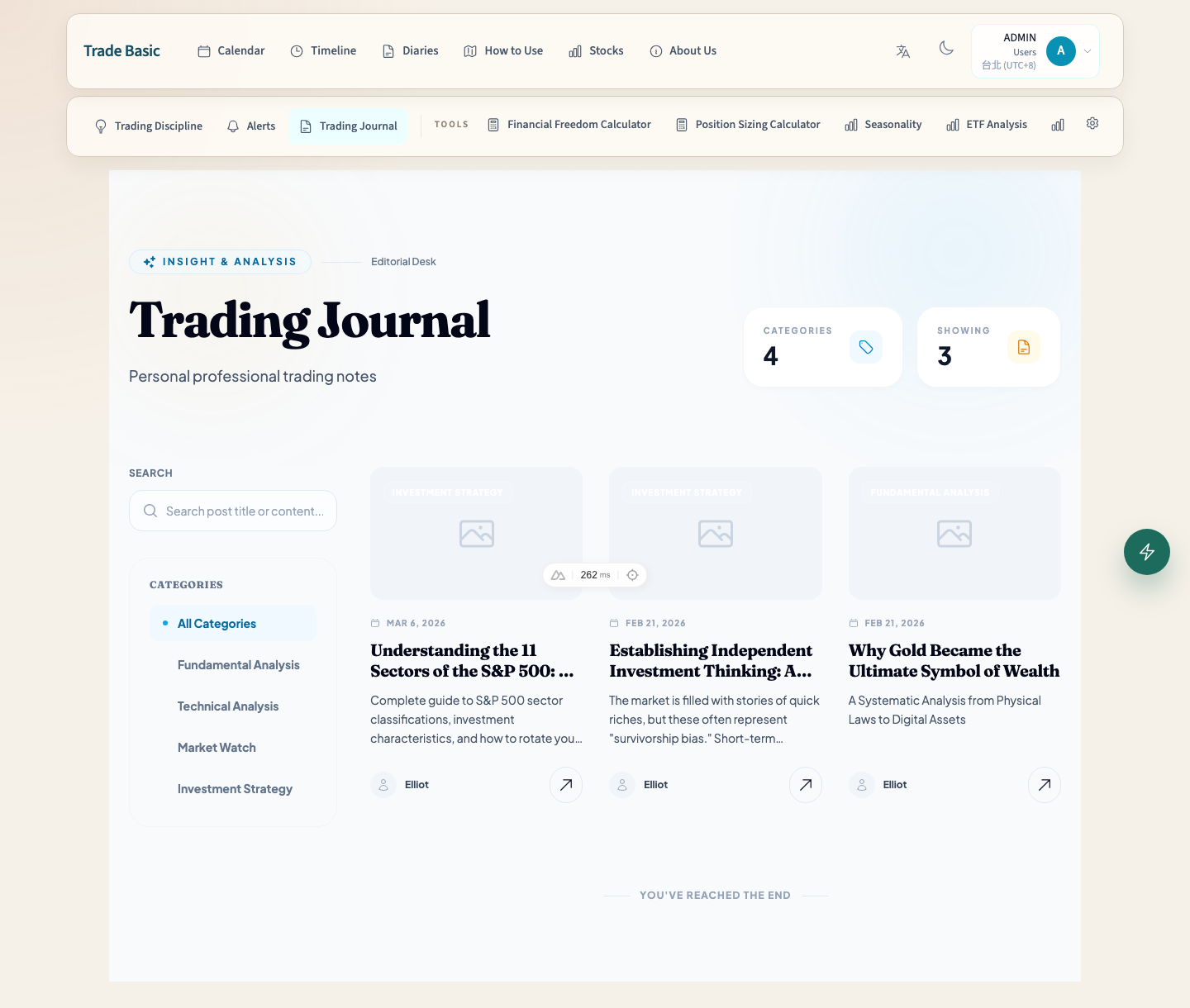
Read investment insights and analysis articles. Public content — no login required.

Write clearly first, then bring in a partner

Once you can keep a diary rhythm, connect a partner, and use same-day compare, the product stops being a note pile and starts acting like a review system.